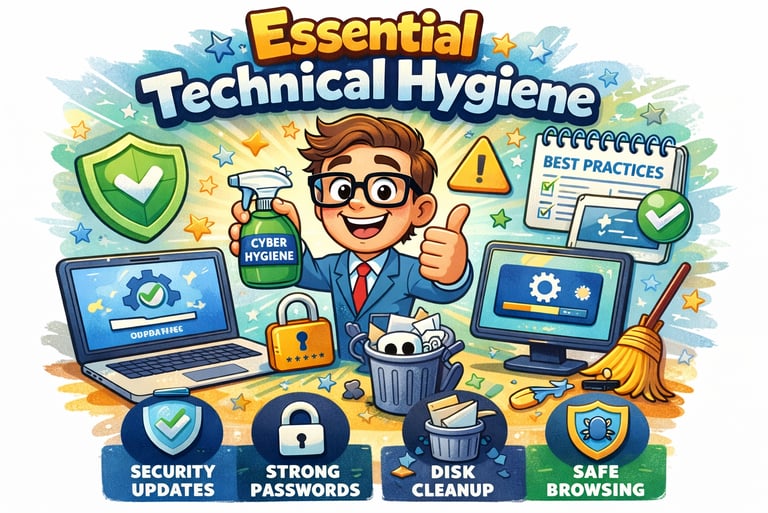
Essential Technical Hygiene
This quick guide focuses on "quick wins foundational technical measures that provide the highest impact for the lowest cost and complexity. Nearly 90% of cybersecurity breaches could be avoided with the implementation of these simple controls.
1. Multi-Factor Authentication (MFA): Your Strongest Shield
Identity management is the single most impactful defense an SMB can implement. Because compromised credentials are a leading cause of attacks, every password must be reinforced with MFA.
How it works: MFA requires two or more proofs of identity: something you know (PIN), something you have (smartphone/token), or something you are (fingerprint).
The Impact: MFA can block over 99.9% of account compromise attacks.
Priority Action: Enable MFA on all sensitive accounts, starting with email and financial systems, and all remote or administrative access points.
2. Rigorous Patching and Updates: Closing the Open Doors
Cybercriminals often exploit known flaws in outdated systems, akin to sneaking through an unlocked door. Software updates (patches) are designed to fix these bugs and security holes.
Set and Forget: Enable automatic updates for all operating systems (like Windows or iOS) and business applications to ensure you are always using the most secure version.
Timely Action: Critical security updates should ideally be applied within 14 days of release (some insurance standards require 3–7 days for exposed systems) to counter the speed at which attackers weaponize new exploits.
Retire Legacy Systems: If a manufacturer stops supporting a product with updates (e.g., Windows 7), that device is no longer secure and should be replaced or removed from the network.
3. Network and Device Hardening: Building the Fortress
Reactive security cannot keep up with modern threats; you must proactively harden your environment.
Use Boundary Devices: Firewalls should be your first line of defense to monitor inbound and outbound traffic.
Secure Remote Work: If employees work remotely, require a private Virtual Private Network (VPN) to create a secure, encrypted tunnel to the business network.
Physical Security: Configure all laptops and mobile devices to automatically lock after a short period of inactivity (e.g., 5 minutes).
Clean Machines: Remove or disable unnecessary programs, sample content, and unused ports to reduce the "attack surface" available to hackers.
4. Endpoint Protection and Security Software
Endpoint protection software (next-generation antivirus) protects the devices that access your network—laptops, desktops, and smartphones—from malware and ransomware.
Built-in Options: Many SMBs can use built-in tools like Windows Security (for Windows 10/11), which includes free virus, threat, and ransomware protection.
Centralized Management: Ideally, use a cloud-based console that allows you to see the security status of all your company's devices on a single dashboard.
Essential Hygiene Checklist
[ ] MFA enabled on all email, banking, and cloud storage accounts.
[ ] Automatic updates turned on for all PCs, tablets, and phones.
[ ] Default passwords changed on all new equipment (especially Wi-Fi routers).
[ ] Firewalls activated on all company networks and devices.
[ ] Idle-time screen locks set to under 5 minutes on all business devices.
[ ] Unused software uninstalled to limit potential entry points.
Next Step: Once these technical foundations are in place, you must secure the data that lives within these systems. See Guide 2: Data Protection and Management.
© 2026 All rights reserved.